Top Tools for Hip-Hop Artists: Build Your Creative Process Right
Most artists chase the sound. The ones who actually break through build the system behind it. The right tools do not make you creative—they remove the friction that kills creativity before it starts. Whether you are two years in or two weeks in, your setup either speeds up your output or slows it down. Here are the tools worth knowing in 2024, and exactly what each one does for your workflow.
Digital Audio Workstations (DAWs): Your Creative Hub
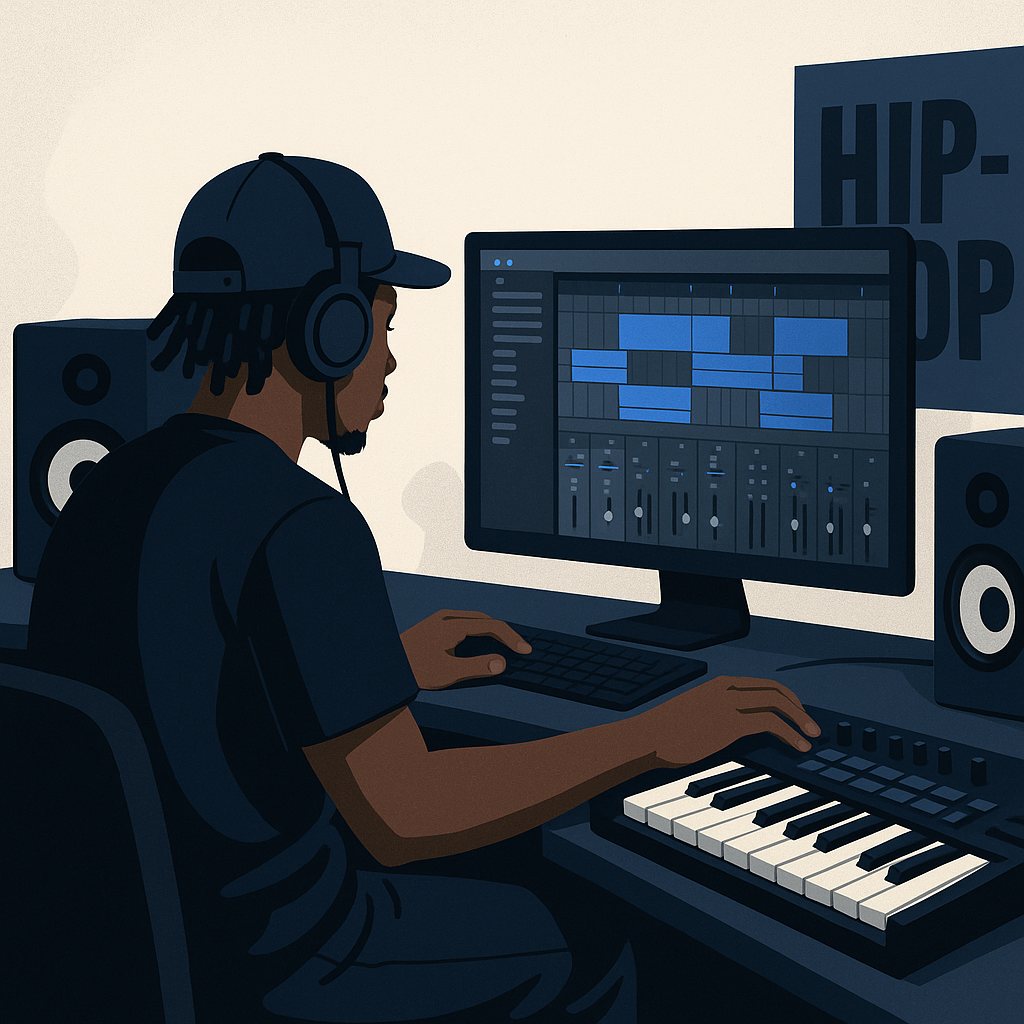
Your DAW is where everything happens. Composition, recording, editing, mixing—it all lives here. Pick the wrong one and you fight your tools instead of building with them.
1. FL Studio
FL Studio is the workhorse of hip-hop production. Its step sequencer, piano roll, and mixer are direct and intuitive. You spend less time navigating menus and more time making decisions that matter. Editions run from $99 for the Fruity Edition to $499 for the All Plugins Bundle.
- Step Sequencer: Built for complex drum patterns. Fast to program, easy to iterate.
- Piano Roll: Precise control over every note in your melody and harmony.
- Lifetime Free Updates: Pay once. Every future version is yours. That compounds over time.
For a deeper breakdown of optimizing your DAW setup, read the detailed guide on DAWs.
2. Ableton Live
Ableton Live is built for artists who think in real time. Its Session View lets you test loops and ideas without committing to a linear arrangement—ideal when you work fast and want to stay in flow. The Intro version starts at $99. The Suite tops out at $749.
- Session View: Experiment with loops and arrangements on the fly.
- Max for Live: Extend the software with user-built tools and effects tailored to your process.
Beat Making Software: Crafting Your Signature Sound
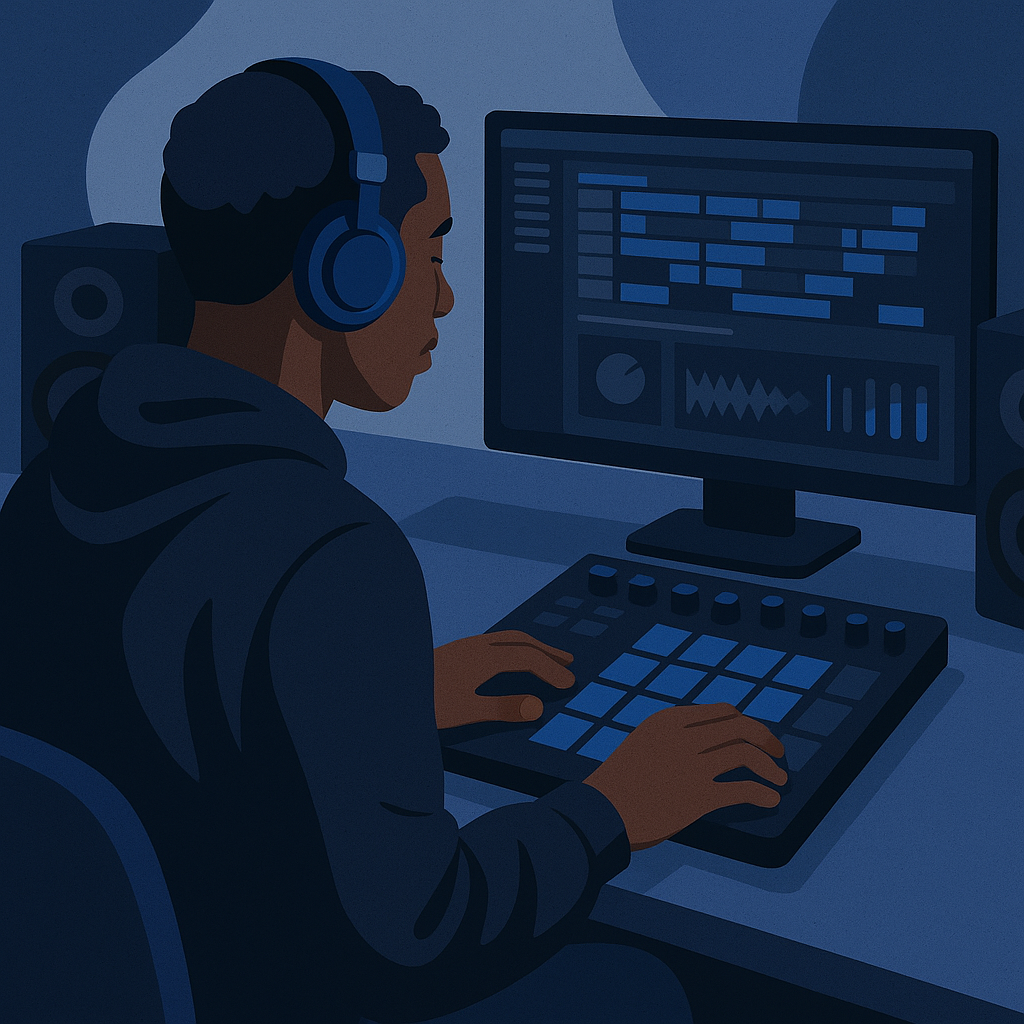
Your beat is your identity. These tools give you the speed and control to build something that sounds like nobody else.
1. Serato Studio
Serato Studio was designed for producers who want to move quickly. The interface is clean. The learning curve is short. You get to the beat faster, which means you produce more, test more, and improve faster.
- Simplified Workflow: Start making beats without a long onboarding process.
- Built-in Sound Packs: A ready library of high-quality sounds and samples on day one.
- Pricing: $9.99/month or a one-time payment of $199.
2. Native Instruments Maschine
Maschine bridges hardware and software. The physical controller puts your hands on the beat—literally. That tactile feedback changes how you work. The software behind it is a full production suite.
- Hardware Integration: Direct, hands-on control over your beats.
- Extensive Library: Thousands of sounds and samples built in.
- Pricing: The Maschine MK3 is priced at $649.
Vocal Processing Tools: Perfecting Your Voice
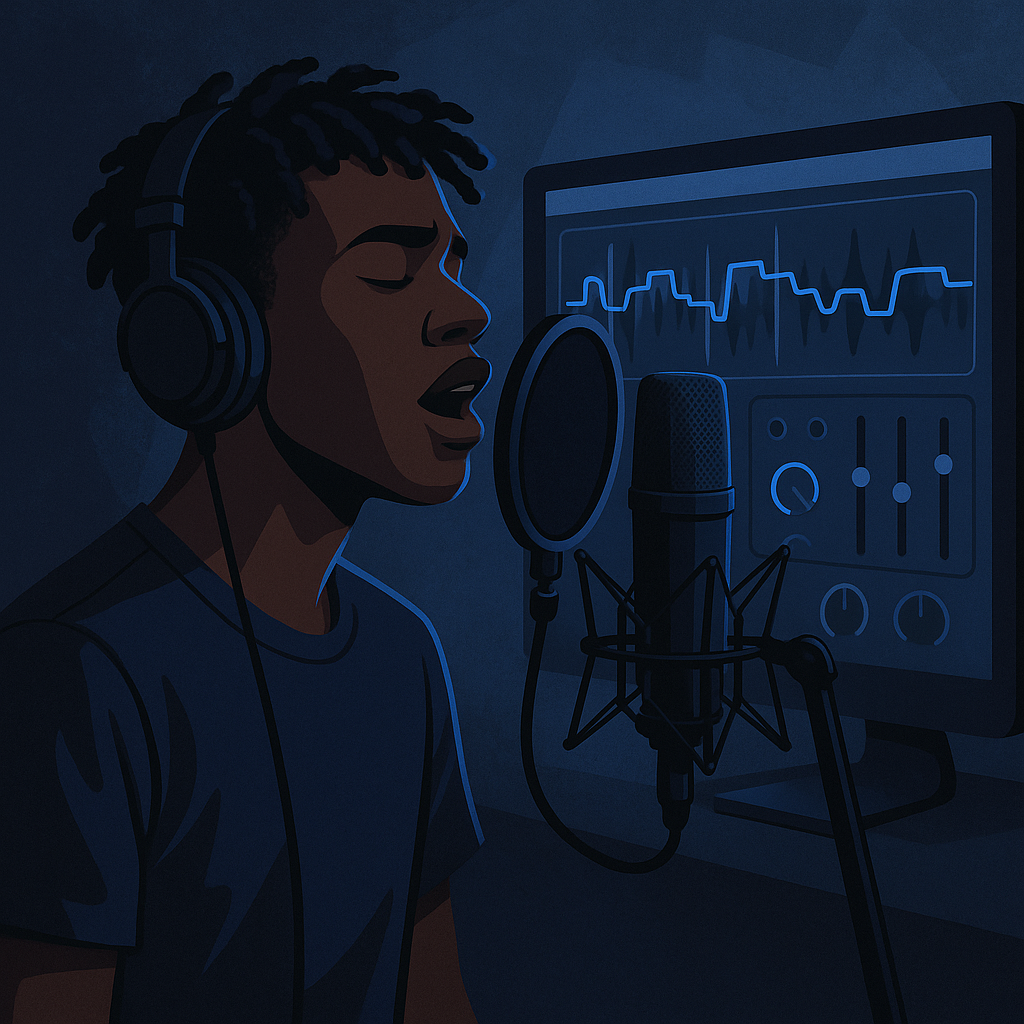
Your voice is your most distinct instrument. These tools do not replace skill—they sharpen it.
1. iZotope Nectar
iZotope Nectar is a complete vocal processing suite. Pitch correction, harmonies, EQ, compression—it handles the full chain. The Vocal Assistant reads your voice and sets a starting point automatically, so you spend less time dialing in and more time performing.
- Vocal Assistant: Analyzes your vocal characteristics and adjusts settings to match.
- Harmony Module: Build rich vocal harmonies without a second person in the room.
- Pricing: Starts at $249.
2. Antares Auto-Tune
Auto-Tune is not a shortcut. It is a sound. Hip-hop claimed it, and it has defined the modern vocal aesthetic for two decades. If you want that sound, this is the standard tool.
- Real-Time Pitch Correction: Hear the effect instantly as you record.
- Flex-Tune: Dial in natural-sounding correction when you want subtlety over effect.
- Pricing: Starts at $99 for the basic version.
Sample Libraries: Fueling Creative Inspiration
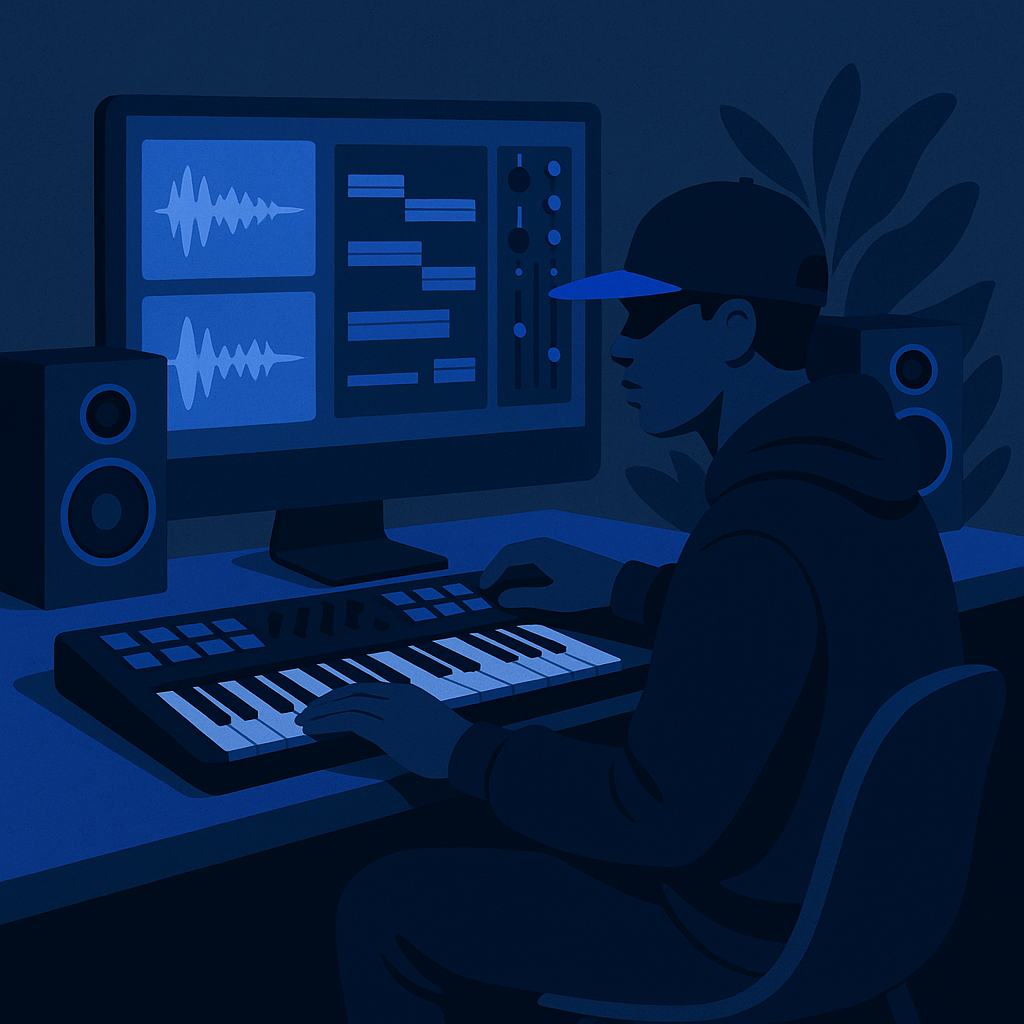
Samples are raw material. The right library gives you the right starting point. Here are two worth knowing.
1. Splice
Splice runs on a subscription model starting at $7.99/month. For that, you get access to a massive royalty-free library of samples, loops, and presets. It is cloud-based, so your sounds travel with you.
- Cloud-Based Library: Access your sounds from any machine, anywhere.
- Collaborate: Share projects and samples with producers and collaborators without friction.
2. Loopmasters
Loopmasters operates on a pay-per-download model. You buy what you need, nothing more. The catalog runs deep—vintage textures to modern production-ready sounds, all professionally produced.
- Diverse Catalog: Vintage sounds to contemporary hits, all in one place.
- Quality Assurance: Every sample is professionally produced before it hits the library.
Actionable Next Steps
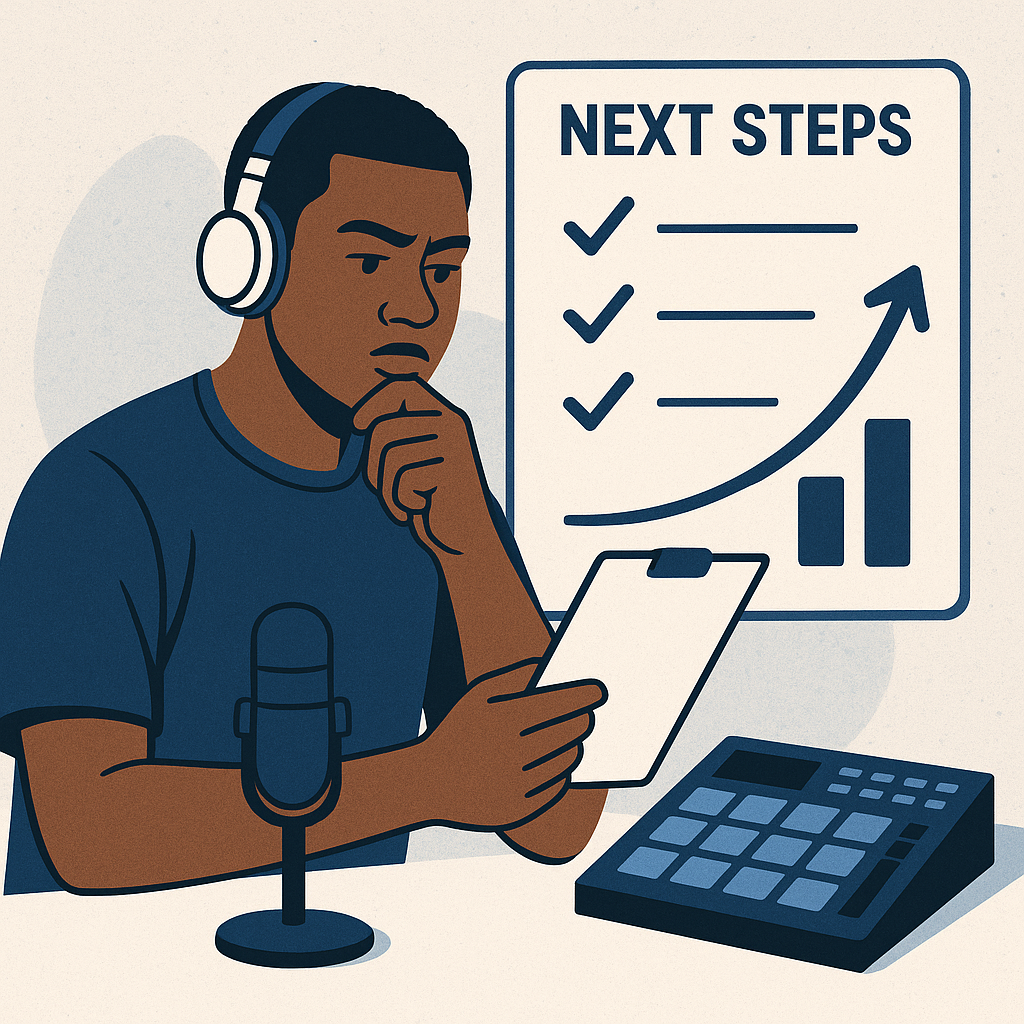
You have the information. Now make a decision and move.
- Audit Your Current Setup: Identify the specific bottleneck in your production process. Choose one tool that directly solves it.
- Start with One: Add one tool, learn it thoroughly, then layer in the next. Depth beats breadth early on.
- Use the Resources That Exist: Tutorials, forums, and community groups are already out there. Use them to compress your learning curve.
For more on building your creative process and growing your brand as a hip-hop artist, visit TruZillah.
The artists who build in silence and earn in peace are not waiting for the perfect setup. They pick their tools, commit to the process, and let the work compound. Your stack does not need to be expensive. It needs to be intentional.
Collaborative Tools: Enhancing Teamwork and Creativity
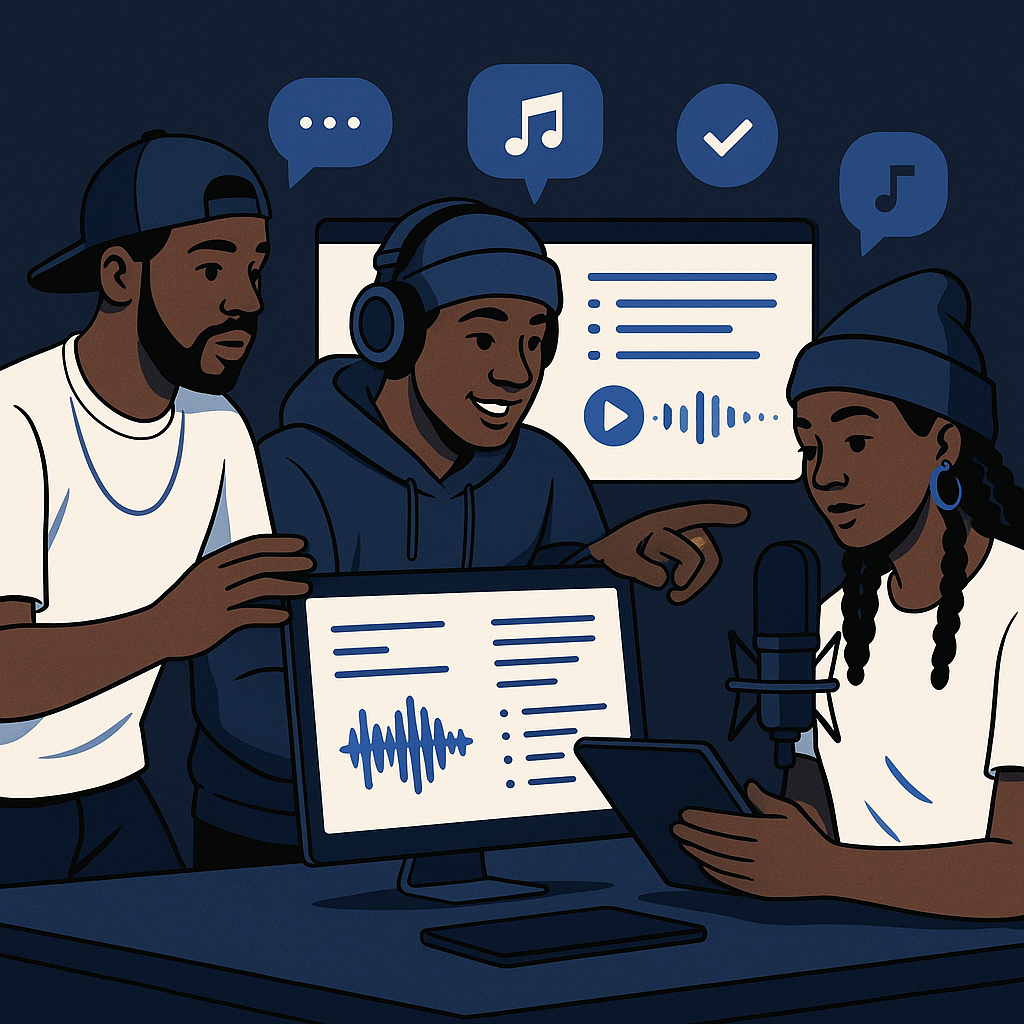
Hip-hop has always been collaborative. The tools you use to work with other artists and producers matter as much as the ones you use alone. Bad communication kills good ideas. These tools keep the process clean.
1. Soundtrap
Soundtrap is an online DAW built for remote collaboration. Multiple artists can work on the same track simultaneously from different locations. Changes appear in real time. No file transfers, no version confusion.
- Real-Time Collaboration: Multiple users edit the same project at the same time, live.
- Cross-Platform Access: Works on desktop and mobile. Your session goes where you go.
- Pricing: Free version available. Premium plans start at $9.99/month.
2. Trello
Trello is not a music tool. It is a project management tool—and that distinction matters. When you are managing multiple tracks, features, and collaborators, you need a system. Trello gives you one.
- Visual Boards: Separate boards for separate projects. Every task visible at a glance.
- Customizable Workflow: Cards and lists that map to how you actually work, not how someone else thinks you should.
- Integration with Other Tools: Connects with Google Drive, Slack, and more to keep communication centralized.
Hardware Essentials: Building Your Studio Setup
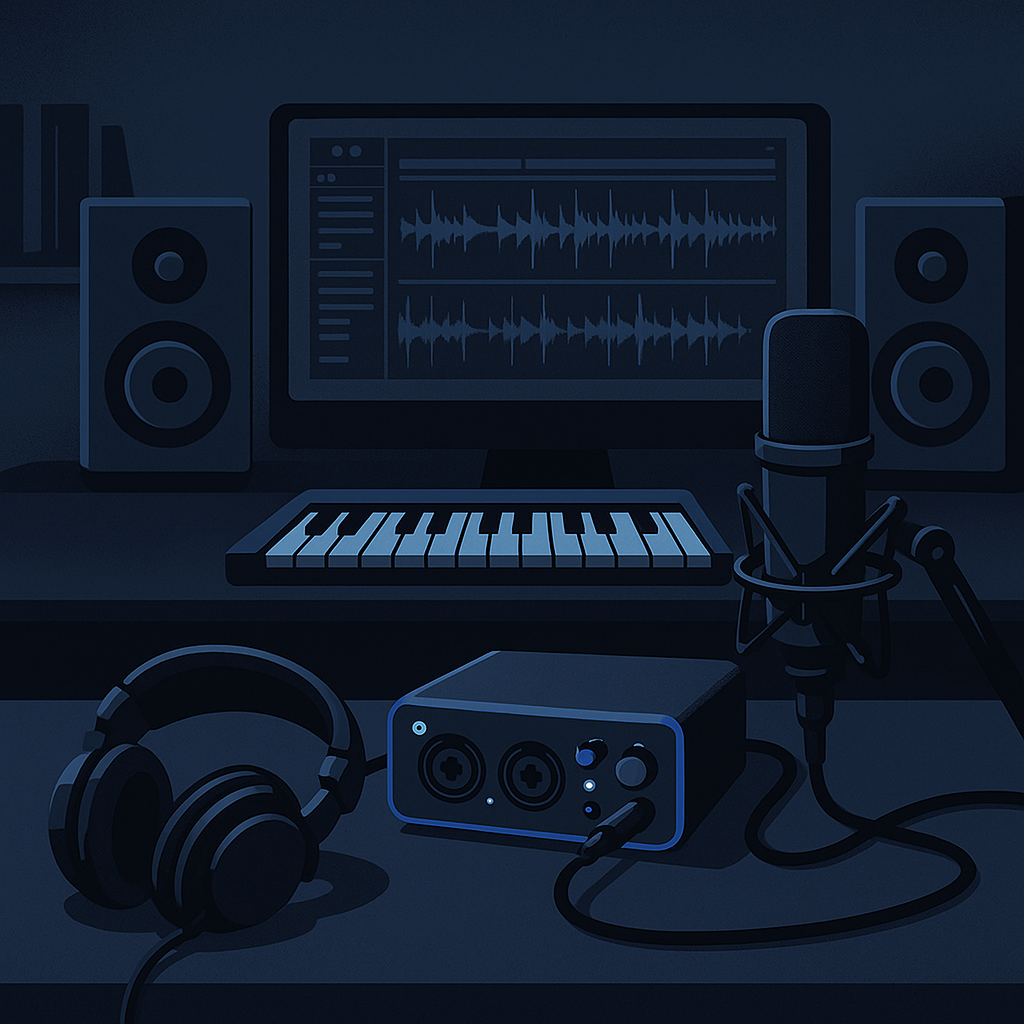
Software runs the session. Hardware determines what actually gets captured. These two categories are where most home studios either hold up or fall apart.
1. Audio Interfaces
An audio interface connects your microphones and instruments to your computer. It controls the quality of everything going in and coming out. Do not skip this piece.
- Focusrite Scarlett 2i2: The standard entry-level choice. High-quality preamps, straightforward setup, reliable performance.
- Universal Audio Apollo Twin: A step up in sound quality with onboard processing and effects built directly into the hardware.
2. Studio Monitors
Consumer speakers lie to you. Studio monitors tell you the truth. If you are mixing on headphones or laptop speakers, you are making decisions based on inaccurate information.
- Yamaha HS5: Trusted for their flat, honest response. Reliable in small to medium rooms.
- KRK Rokit 5 G4: Balanced sound with adjustable frequency settings to compensate for your room’s acoustics.
Frequently Asked Questions: Addressing Common Concerns
How do I choose the right tools for my music style?
Start with the problem, not the product. Identify what is actually slowing you down or limiting your output. Then find the tool that solves that specific problem. Most offer trial versions—use them before you spend anything. Compatibility with your existing workflow matters more than feature lists.
Can I use multiple DAWs and beat-making software?
Yes. Many producers run more than one DAW to take advantage of what each does best. Just confirm your machine has the processing power to handle it. Running multiple heavy programs on an underpowered computer creates more problems than it solves.
What is the best way to learn new music production tools?
Use what is already available. Most software companies publish free learning resources. YouTube has deep instructional content for nearly every tool on this list. The real answer is consistent practice—not the perfect tutorial. Show up, build something, and repeat.

Leave a Reply